The VP Geek Speaks
- Home /
- The VP Geek Speaks

GPT-5.4 mini in GitHub Copilot: When Smaller Models Are the Right Product Move
GitHub announced GPT-5.4 mini as generally available for GitHub Copilot in mid-March 2026, positioning it as a faster option with stronger codebase exploration characteristics.
In a market obsessed with flagship models and leaderboard scores, a GA mini model is easy to dismiss. It is actually one of the more realistic product moves in AI coding.
Not Every Task Needs the Biggest Model
Developer workflows are not one uniform difficulty distribution. A huge share of daily work is:
GitHub Copilot Goes Fully Agentic in JetBrains: Hooks, MCP, and Instruction Files
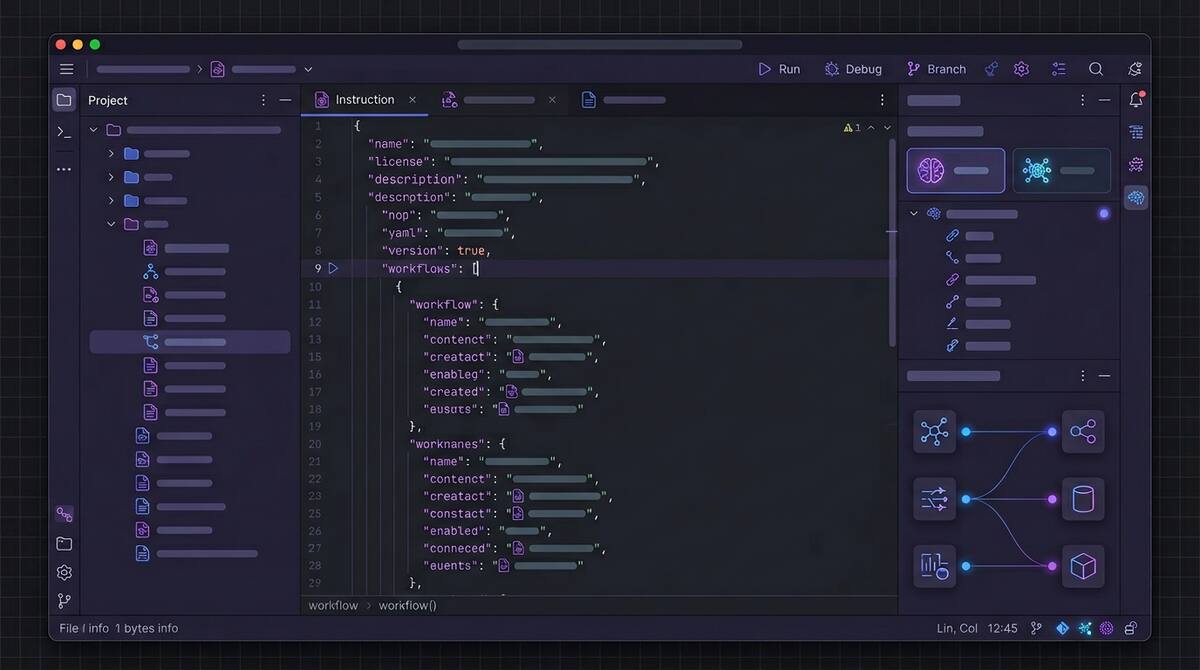
In mid-March 2026, GitHub promoted a major bundle of Copilot agentic capabilities to general availability in JetBrains IDEs, moving key features out of preview for day-to-day use.
The changelog reads like a checklist of what “serious agentic IDE support” now means:
- Custom agents and sub-agents, plus a planning-oriented agent workflow for breaking down complex work
- Agent hooks in public preview, so teams can run custom commands at defined points in an agent session
- MCP auto-approve at server and tool granularity to reduce approval friction when policies allow it
- Automatic discovery of
AGENTS.mdandCLAUDE.mdinstruction files during agent sessions - Auto model selection generally available, with Copilot choosing models based on availability and performance
- An extended reasoning experience for models that expose more explicit thinking, such as Codex-class workflows
Why JetBrains Users Should Care
JetBrains IDEs are where many teams live for deep language support, refactoring, and navigation. Agent features only matter if they meet developers in that workflow, not as a separate tool they resent switching to.

Replit Agent 4 and the Parallel Build Future
Replit’s Agent 4 launch, framed around creativity and speed, includes a product shape that is becoming common in 2026: parallel agent execution across different parts of an application, such as authentication, database work, and UI, with the intent that those streams merge back into a single product.
That is not just a marketing story. It is an architectural bet about how software gets built when generation is cheap and coordination is expensive.

Google's Antigravity Agent in AI Studio: Full-Stack from Prompt to App
Google’s AI Studio update adding Antigravity, described in coverage as a full-stack coding agent, is part of the same wave as other vendors pushing from “generate a file” toward “generate a working application stack.”
Reports highlight several practical capabilities: turning prompts into more complete web apps, built-in Firebase integration for data and authentication, expanded framework support (including common React/Next-style stacks), session persistence across devices, and tooling to manage secrets and external service credentials more safely than copy-pasting keys into chat.

Vercel's Plugin for Coding Agents: Deployment Knowledge as Infrastructure
Vercel’s plugin for coding agents is one of those releases that sounds incremental until you notice what it is really doing: it turns deployment and edge-platform expertise into structured, reusable context that agents can invoke reliably.
According to Vercel’s announcement, the plugin bundles broad platform coverage (on the order of 47+ skills) and includes specialist agents aimed at deployment optimization scenarios, so agents are not guessing their way through framework-specific hosting details every time.

Trace Every Copilot Agent Commit Back to Its Session Logs
Agent-generated commits used to arrive like any other push: you saw the diff, but not the reasoning, tool calls, or missteps that produced it. In March 2026, GitHub tightened that story.
Copilot coding agent commits can now include an Agent-Logs-Url trailer that points reviewers back to the full session logs for that change. GitHub also highlighted live monitoring of Copilot coding agent logs through integrations such as Raycast.
This is not a flashy model upgrade. It is infrastructure for accountability.

GitHub Says Copilot's Coding Agent Starts Work 50% Faster. Here's Why That Changes the Math
In a March 2026 changelog update, GitHub reported that the Copilot coding agent starts work roughly 50% faster, with optimizations to the cloud-based development environments agents use to spin up and begin executing on a repository.
That sounds like a performance tweak. It is also a shift in how teams should think about agent economics.
Cold Start Was a Hidden Tax
For any agent that runs in an isolated or remote environment, time-to-first-action is not just latency. It is friction that shapes behavior:

The MCP Security Problem Is Really a Least-Privilege Problem
The most important security story around agent infrastructure right now is not a single CVE. It is the growing realization that MCP security is immature by default.
As of March 2026, reporting around MCP security points to more than 30 CVEs, thousands of publicly reachable servers with weak or no authentication, and a still-evolving roadmap for making the protocol more production-ready. One especially concerning figure: roughly 36% of observed MCP servers reportedly accept connections without meaningful authentication.

Why NIST's AI Agent Standards Initiative Matters Right Now
One of the most consequential AI stories this month is not a product launch. It is the NIST AI Agent Standards Initiative.
NIST launched the effort through its Center for AI Standards and Innovation to focus on security, interoperability, and identity for AI agents. The initiative is structured around three pillars: industry-led standards development, open protocol support, and security research. It already has concrete deadlines attached, including a March security request for input and an April identity concept paper.
Gemini CLI Conductor Turns Review into a Structured Report
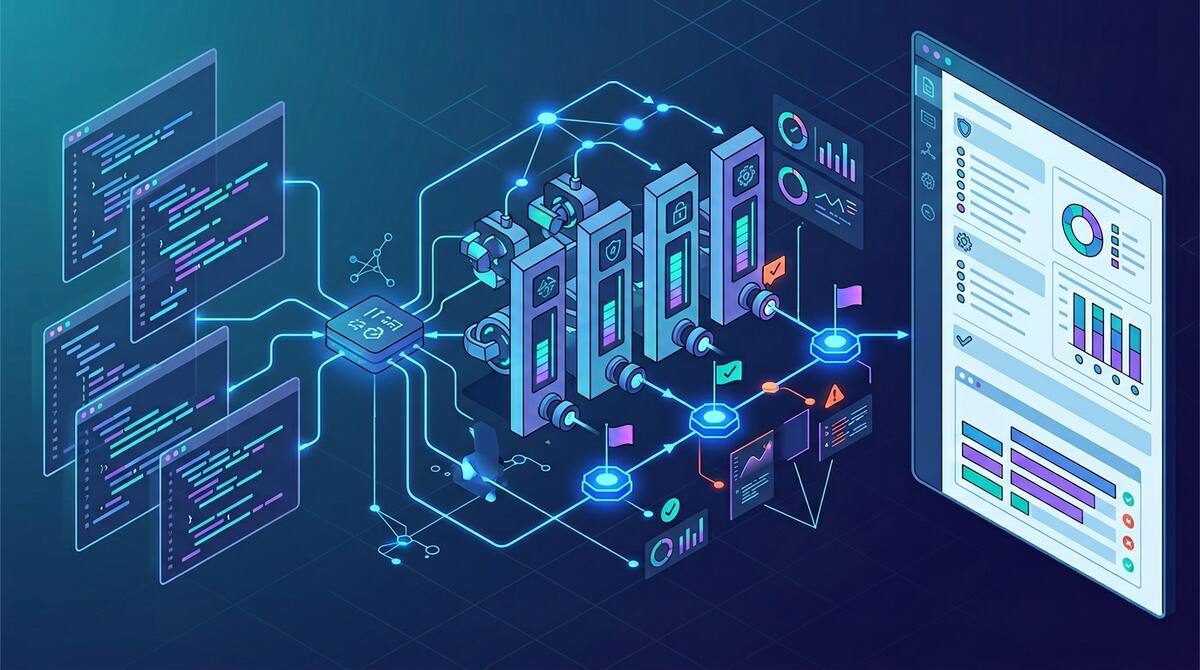
Google’s automated review update for Gemini CLI Conductor is worth paying attention to for a simple reason: it treats AI review as a structured verification step, not as another free-form chat.
Conductor’s new review mode evaluates generated code across multiple explicit dimensions:
- code quality
- plan compliance
- style and guideline adherence
- test validation
- security review
The output is a categorized report by severity, with exact file references and a path to launch follow-up work. That is an important product choice.
Categories
Tags
- 100pounds
- 2020
- Acp
- Adblock-Plus
- Adoption
- Agentic
- Agents
- Agile
- Ai
- Ai-Agents
- Amazon
- Apache
- Apple
- Architecture
- Audit
- Authorize-Net
- Automation
- Azure
- Benchmarks
- Bing
- Bingbot
- Blog
- Book-Reviews
- Books
- Burnout
- Business-Tools
- Cache
- Career
- Chatgpt
- Chrome
- Cicd
- Claude
- Cloudflare
- Code-Quality
- Code-Review
- Codex
- Coding
- Coding-Agents
- Compass
- Conversion
- Copilot
- Css
- Culture
- Cursor
- Cve
- Deployment
- Design-Patterns
- Developer-Experience
- Developer-Tools
- Developer-Velocity
- Development
- Disqus
- Docker
- Documentation
- Enterprise
- Fine-Tuning
- Firebase
- Firefox
- Full-Stack
- Future-of-Work
- Gemini
- Genesis-Framework
- Getting-Started
- Ghost-Tag
- Github
- Github-Copilot
- Githubpages
- Google-Slides
- Google-Workspace
- Governance
- Helper
- Hiring
- How-Not-To
- How-To
- Html
- Hugo
- Ide
- Infrastructure
- Integration
- Internet-Explorer
- Interviews
- Iphone-6
- Javascript
- Jekyll
- Jetbrains
- Jquery
- Junior-Developers
- Knowledge-Management
- Laravel
- Leadership
- Legal
- Lessons-Learned
- Llms
- Local-First
- MacOS
- Magento
- Magento 2
- Magento2
- Management
- Mcp
- Meetings
- Mental-Health
- Mentorship
- Metr
- Metrics
- Microsoft
- Models
- Moltbot
- Multi-Agent
- Mysql
- Netlify
- Nginx
- Nist
- Nodejs
- Open-Source
- Openai
- Openclaw
- Orchestration
- OSX
- Parallelization
- Performance
- Personal
- Php
- Policy
- Presentations
- Process
- Product-Development
- Productivity
- Programming
- Prompt-Injection
- Protocols
- Pull-Requests
- Python
- Quality
- Rant
- Remote-Work
- Replit
- Research
- Responsive-Web-Design
- Retrospective
- Roi
- Safari
- Sales
- Scrum
- Security
- Senior-Engineers
- Series
- Sitecatalyst
- Sota
- Sql
- Sql-Server
- Standards
- Tasks
- Teams
- Technical-Debt
- Testing
- Tier-Pricing
- Tips
- Tmobile
- Tools
- Trust
- Unittest
- Ux
- Validation
- Varnish
- Vercel
- Verification
- Vibe-Coding
- Visual-Studio
- Vs-Code
- Web-Development
- Windows-7
- Windows-Vista
- Woocommerce
- Wordpress
- Workflow
- Workflows
- Xml