Start Here: Three AI Workflows That Show Results in a Week
- 5 minutes - Feb 20, 2026
- #ai#workflows#productivity#teams#getting-started
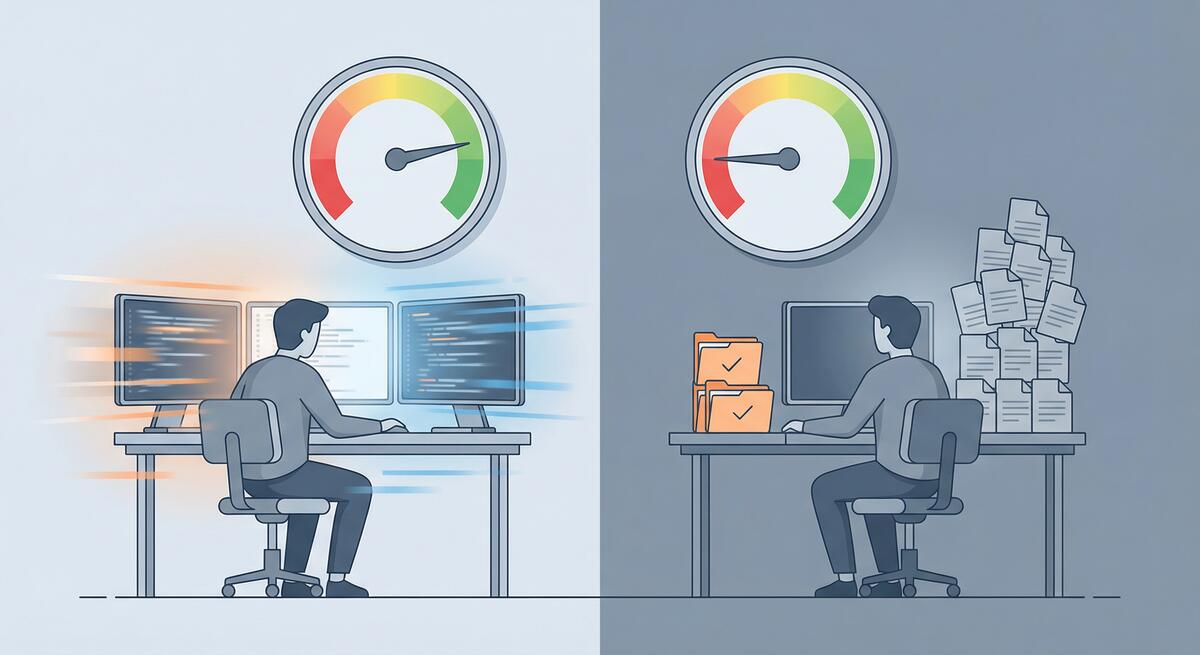
When a team has tried AI and concluded “we don’t see the benefit,” the worst move is to push harder on the same, vague usage. A better move is to pick a few concrete workflows where AI reliably helps, run them for a short time, and measure the outcome. That gives the team something tangible to point to—“this is where AI helped us.”
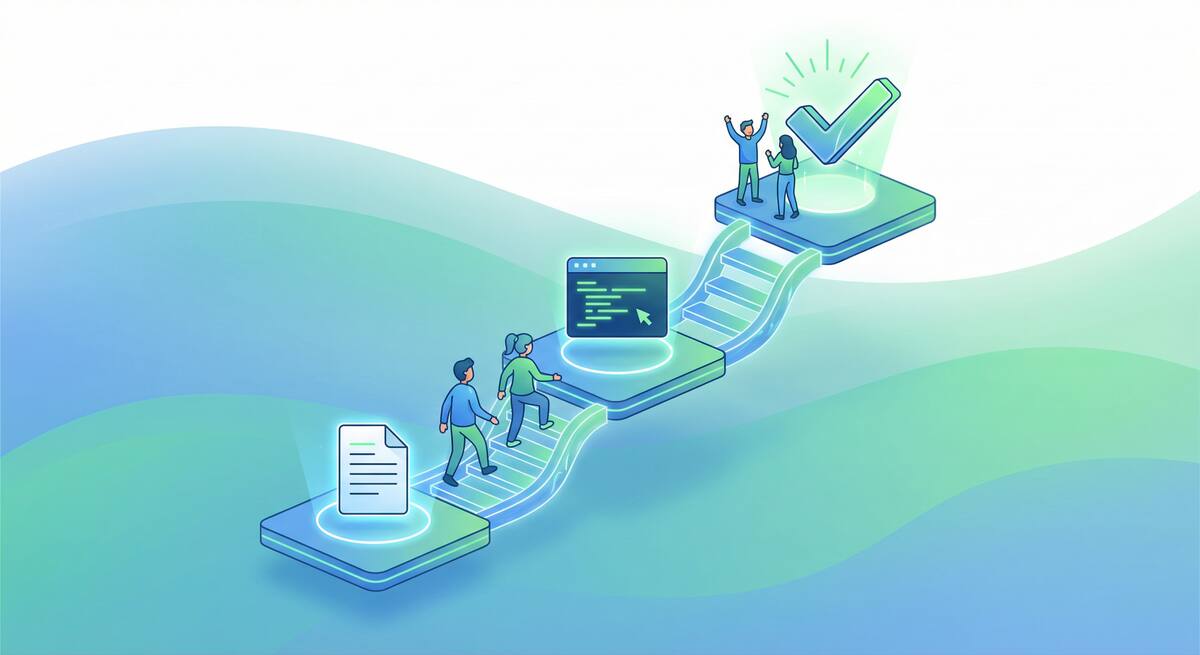
Here are three workflows that tend to show results within a week and are a good place to start for teams struggling to see performance benefits from AI in their software engineering workflows.
1. Documentation From Code and Runbooks
What it is: Use AI to generate or update docs from existing code and runbooks: READMEs, API summaries, deployment steps, incident playbooks.
Why it shows results fast: Docs are high-impact and low-risk. Mistakes don’t ship to production. The output is easy to judge (does it match the code? is it readable?). And the before/after is obvious: “We had no README; now we have one,” or “Our runbook was three years old; now it’s aligned with the current flow.”
How to run it for a week:
- Pick 2–3 repos or services that lack or have outdated docs.
- Have one or two people use AI (e.g. “generate a README from this repo” or “turn this runbook into step-by-step instructions”) and then edit the output.
- By the end of the week, you should have at least one updated doc in use. Measure: “Did anyone use this doc? Did it save a question or a ticket?”
Outcome to point to: “We went from no/outdated docs to usable docs in a few days, with AI doing the first draft.”
2. Code Explanation and Onboarding Aids
What it is: Use AI to explain existing code (modules, services, tricky functions) in plain language. Turn that into short “how this works” notes or onboarding snippets.
Why it shows results fast: New joiners and on-call engineers need to understand code quickly. AI can summarize and explain; a human then checks and tidies. The win is “we answered ‘how does X work?’ without a senior having to type it all out.”
How to run it for a week:
- Choose 2–3 important but poorly explained areas (e.g. auth flow, payment pipeline, core API).
- For each, have someone paste the relevant code (or file paths) into an AI tool and ask for a short explanation and a “how to change X” note.
- Review and put the result in your wiki or repo. Have one new joiner or a teammate use it and give feedback.
- Measure: “Did this reduce back-and-forth or time to first successful change?”
Outcome to point to: “We turned opaque code into one-page explanations in a week; people are using them.”
3. Test Generation for Existing Code
What it is: Use AI to suggest unit or integration tests for existing, already-working code. Humans review, adjust, and commit.
Why it shows results fast: Tests are scoped (one module or one API), so you can finish a small batch in a few days. You get a clear metric: “We added N tests; they run and they caught X.” No need to argue about “productivity”—you either have more tests or you don’t.
How to run it for a week:
- Pick one service or module that has little or no test coverage.
- Use AI to generate test cases (e.g. “suggest unit tests for this module” or “suggest integration tests for this API”). One or two people review, fix, and run them.
- By end of week, merge the new tests and run them in CI. Measure: “Do we have more coverage? Did any of these tests catch a real issue or regression?”
Outcome to point to: “We added a meaningful set of tests in a week with AI doing the first draft; our coverage and confidence went up.”
Why These Three
- Low risk: Docs and tests don’t directly change production behavior. Code explanation is for humans. So the cost of a mistake is low and easy to fix.
- High visibility: The team can see new docs, new explanations, and new tests. There’s a clear before/after.
- Short feedback loop: One week is enough to complete at least one cycle of each workflow and to see whether anyone uses the output.
- Reusable: Once the team sees benefit here, you can repeat (more repos, more modules, more runbooks) and then consider riskier or more complex AI uses.
How to Use This With a Skeptical Team
- Frame it as an experiment: “We’re trying three specific workflows for one week. We’ll check at the end whether we got usable docs, explanations, and tests.”
- Own the outcome: Assign one person per workflow so someone is responsible for “we will have at least one concrete result by Friday.”
- Measure simply: “Did we produce something usable? Did anyone use it? Did we save time or catch a bug?” You don’t need fancy metrics—you need evidence the team can see.
- Retro briefly: At the end of the week, ask: “Which of these helped? Where did AI waste time?” Use that to decide what to scale and what to drop.
For teams that have given up on AI because they never saw benefits, these three workflows are a way to restart with clear, low-risk wins and something tangible to point to in a week.