OpenClaw for Teams That Gave Up on AI
- 5 minutes - Feb 17, 2026
- #ai#openclaw#teams#adoption#productivity
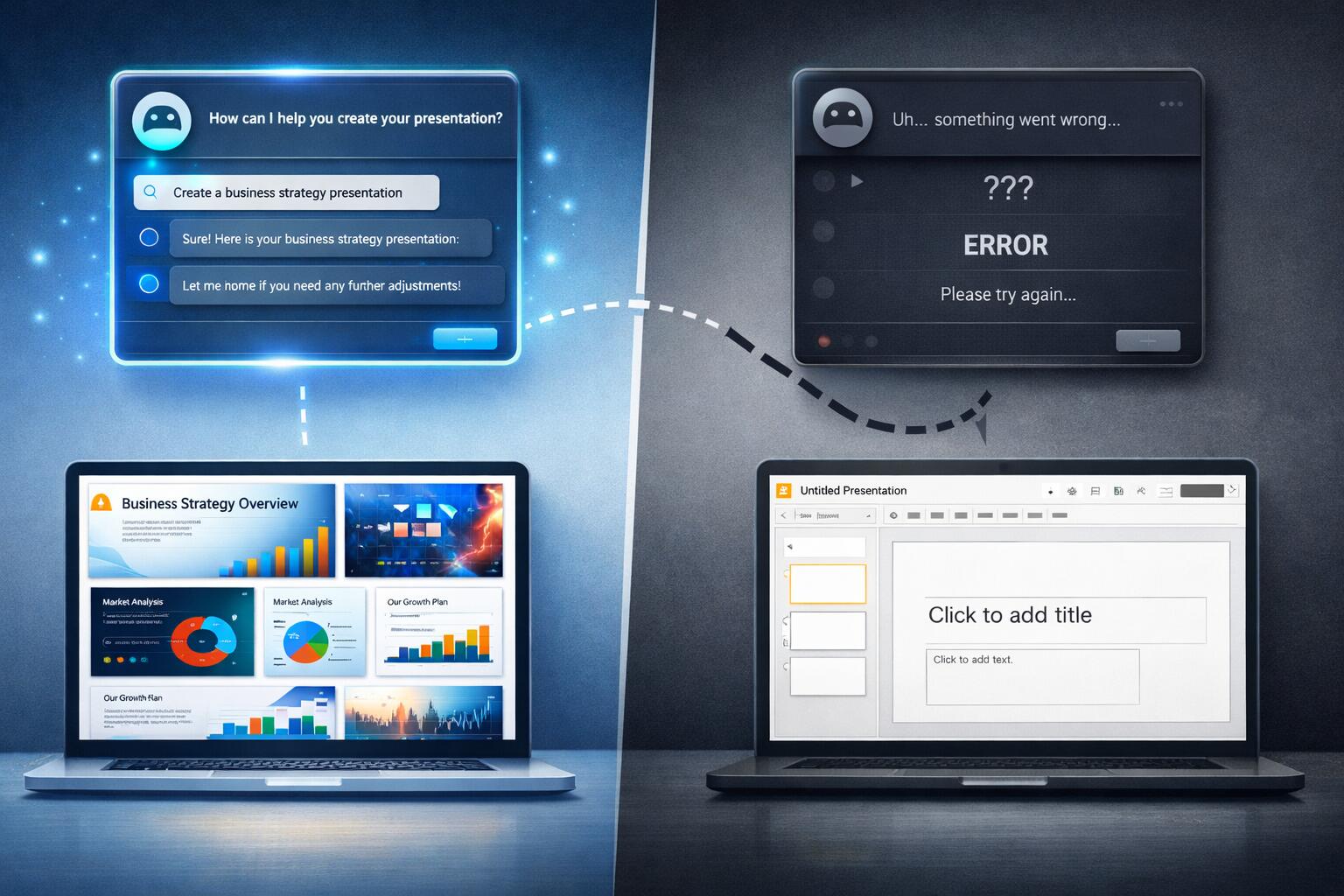
Lots of teams have been here: you tried ChatGPT, Copilot, or a similar assistant. You used it for coding, planning, and support. After a few months, the verdict was “meh”—maybe a bit faster on small tasks, but no real step change, and enough wrong answers and extra verification that it didn’t feel worth the hype. So you dialed back, or gave up on “AI” as a productivity lever.
If that’s you, the next step isn’t to try harder with the same tools. It’s to try a different kind of tool: one built to do a few concrete jobs in your actual environment, with access to your systems and a clear way to see that it’s helping. OpenClaw (and tools like it) can be that next step—especially for teams that are struggling to see any performance benefits from AI in their software engineering workflows.
Why General-Purpose AI Often Disappoints
Generic chatbots and inline coding assistants are built to be broad. They’re great at conversation and pattern-matching code, but they’re bad at:
- Doing things in your systems – They can’t read your calendar, query your wiki, or run commands on your servers. So they can’t actually “do” much beyond suggest.
- Showing obvious wins – The benefit is “I wrote this a bit faster,” which is hard to feel and almost impossible to measure at the team level.
- Fitting into how you work – You have to copy-paste context, switch windows, and manually apply suggestions. The workflow is fragmented.
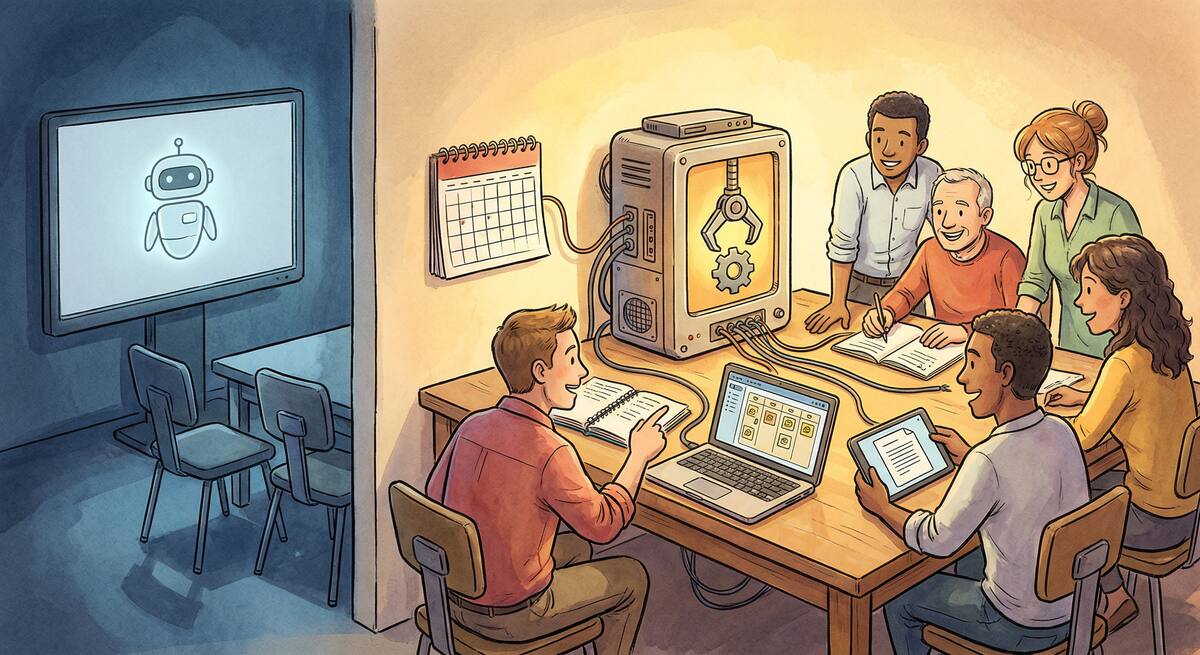
For a team that needs to see performance benefits, that’s a bad fit. You need use cases where the outcome is visible and measurable: “We get a daily briefing,” “We can ask our docs in Slack,” “We can check service status from our phone.” OpenClaw is built for exactly that—agents that connect to your tools and execute defined workflows, not just chat.
Where OpenClaw Delivers Visible Wins
These are use cases that tend to show benefit quickly, even for teams that gave up on generic AI.
1. Daily Briefings That Actually Run
What it is: A single message (e.g. in Slack or Telegram) each morning: open PRs, failing builds, today’s calendar, maybe last night’s alerts.
Why it helps struggling teams: The benefit is obvious and daily. No one has to “believe” in AI—they just see time saved and fewer context switches. You’re not arguing about “productivity”; you’re showing “we automated the morning scan.”
OpenClaw angle: You define a skill that pulls from your APIs (GitHub, CI, calendar, PagerDuty, etc.) and sends one aggregated message. One skill, one place, one clear win.
2. “Ask Our Docs” From Chat
What it is: A channel or bot where anyone can ask things like “How do we deploy X?” or “What’s our auth flow?” and get answers grounded in your real docs and runbooks.
Why it helps struggling teams: New joiners and on-call engineers get answers without hunting through Confluence or pinging seniors. You see fewer repeat questions and faster ramp. The win is measurable (fewer “how do I…?” threads, shorter time to first deploy).
OpenClaw angle: Skills that index your wiki, runbooks, or repo docs and answer in natural language. Local-first and under your control, so security and data stay in your hands.
3. Read-Only Infra and Status From Your Phone
What it is: “Is the API up?” “What’s the error rate?” “Show me last 10 alerts.” From Slack or Telegram, without opening a laptop.
Why it helps struggling teams: On-call and leads can triage from anywhere. You’re not asking people to “use AI”—you’re giving them a single, reliable way to check status. The benefit is less friction and faster response, which people feel immediately.
OpenClaw angle: Skills that call your monitoring/status APIs (read-only) and return summaries or links. Start with status and logs; leave changes to humans or separate automation.
4. Meeting and Focus-Time Protection
What it is: A skill that looks at calendars and suggests focus blocks, or nudges the team when there’s no meeting-free time.
Why it helps struggling teams: If your bottleneck is “we never have time to think,” fixing that is a visible win. You’re using the agent to protect capacity, not to write more code. Outcome: fewer back-to-backs, more predictable focus time.
OpenClaw angle: Calendar read-only integration plus a simple rule: “Warn if there’s no 2-hour block this week” or “Summarize meetings per person.” No AI hype—just a small automation that makes the problem visible and fixable.
How This Helps Teams That “Don’t See Benefits”
For teams struggling to see performance benefits from AI in their workflows, the pattern is the same:
- Pick one outcome – e.g. “We all get a useful daily briefing” or “We can ask our docs in chat.”
- Implement it with OpenClaw – one or two skills, wired to your real tools.
- Measure that outcome – e.g. time to answer “how do I…?”, or “did the team use the briefing?”
- Iterate – add sources, improve prompts, fix wrong answers. You’re improving a product your team actually uses.
You’re not asking the team to “use AI more” or “trust the model.” You’re giving them a concrete tool that does a job they care about and that you can measure. When that works, you add the next job. Benefits become visible because they’re tied to specific, observable outcomes.
Practical First Step
If you’re a team that gave up on generic AI but still want to get real value from AI-style automation:
- Choose one of the use cases above – e.g. daily briefing or “ask our docs.”
- Install and configure OpenClaw (or similar) with read-only access to the minimum systems needed.
- Ship one skill that delivers that one outcome.
- Run it for two weeks and ask: did this save time or reduce friction? If yes, add the next skill; if no, adjust the skill or the outcome before scaling.
OpenClaw isn’t magic—it’s a way to put AI to work in your environment in small, measurable steps. For teams that gave up on AI because they never saw benefits, that’s often exactly what’s missing: not more chat, but purpose-built agents that do a few things well and show results you can see.