JetBrains Air and the Case for the Agent-Native IDE
- 3 minutes - Mar 18, 2026
- #ai#jetbrains#coding-agents#ide#developer-tools
JetBrains Air, launched in public preview in early March, is one of the more interesting answers yet to a question the AI tooling market keeps circling: do we really want agents bolted onto traditional editors, or do we eventually need environments designed around them from the start?
Air is betting on the second path.
Why Air Is Interesting
Most current AI coding tools still inherit the shape of the pre-AI IDE. There is a primary editor, maybe a chat pane, maybe an agent sidebar, and the user is still clearly the central operator of a mostly traditional workspace.
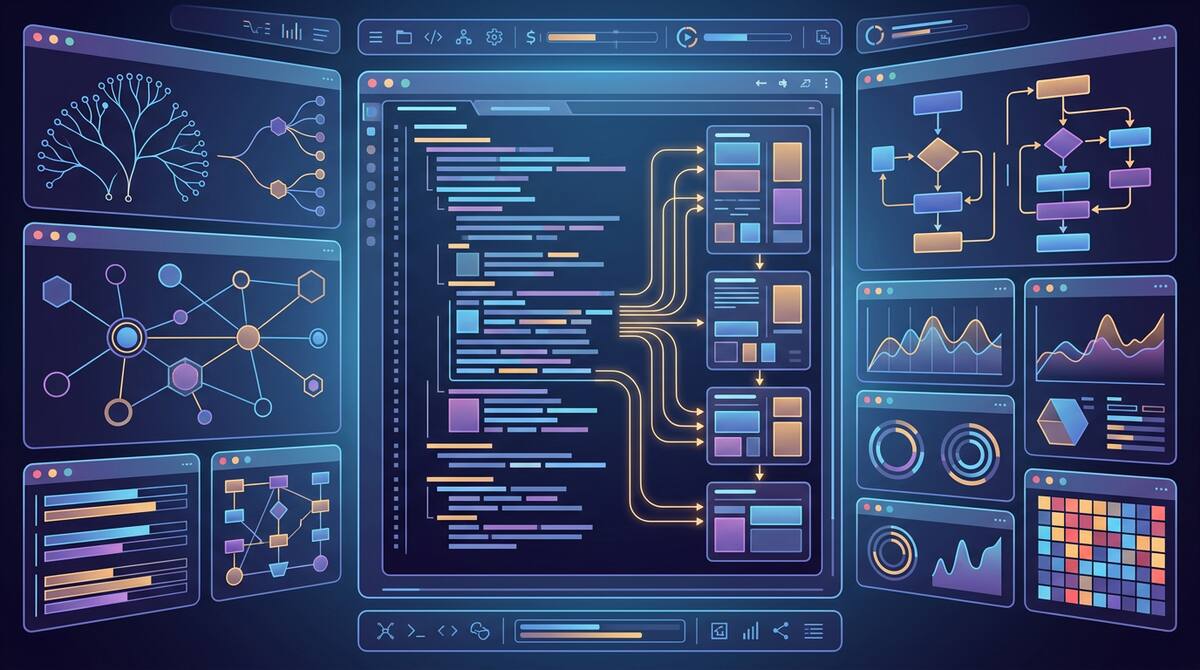
Air takes a different angle. It is built around multiple concurrent agents and the orchestration of those agents inside the development environment. JetBrains is positioning it less like “an editor with AI” and more like “a workspace for directing and integrating agent work.”
That distinction may sound subtle, but product categories often shift this way. At first, new capabilities get added to old containers. Later, someone designs a new container around the capability itself.
Why This Might Matter
JetBrains has an advantage here because it understands deep code context extremely well. The company has spent decades building language-aware, refactoring-heavy tooling. Air combines that lineage with multiple agents, terminal integration, Git context, and preview workflows.
In practical terms, that points to an environment where the developer is less focused on typing every change and more focused on:
- splitting work into the right parallel units
- comparing outputs from different agents
- reviewing and integrating results
- managing context across multiple active threads
That is a better fit for where agentic development is heading than the classic “one prompt, one answer” interaction model.
The Strategic Bet
Air also reflects a larger market split that is becoming clearer:
- some vendors are making existing editors more agent-capable
- some are building orchestration layers around agent workflows
- some, like JetBrains here, are experimenting with environments where agents are first-class from the start
That matters because the UI and workflow assumptions of a traditional IDE may not be the best fit once multiple agents are active at the same time. If the real job of the developer increasingly becomes orchestration, then the tool should probably optimize for orchestration.
The same thing happened in other software categories. Early tools often extend the old paradigm for as long as possible. Eventually the new usage pattern becomes important enough that the old container starts to feel awkward.
What Could Go Wrong
Agent-native tooling also has risks. It is easy to over-index on concurrency and end up with a more complicated environment than most teams actually need. There is a difference between enabling multiple agents and making multi-agent work comprehensible.
The hard questions are not just:
- how many agents can run?
They are:
- how clearly can I tell what each agent is doing?
- how do I compare outputs?
- how do I merge work without creating chaos?
- how do I preserve enough context that humans still understand the system?
An agent-native IDE that cannot answer those questions well is just a more futuristic way to get overwhelmed.
The Bigger Takeaway
Even if Air itself evolves significantly before broad adoption, its public preview is a useful market signal. It suggests the next phase of AI developer tooling will not just be a fight over models or extensions. It will also be a fight over what the primary development environment should look like when agents are normal.
That is a more fundamental competition than “whose autocomplete is better?”
JetBrains Air matters because it treats the agent not as an extra feature but as a core design assumption. Whether or not this exact product becomes dominant, that assumption is likely to shape the next generation of development tools.