Cursor Automations and the Shift from Prompting to Policy
- 3 minutes - Mar 17, 2026
- #ai#cursor#automation#coding-agents#workflows
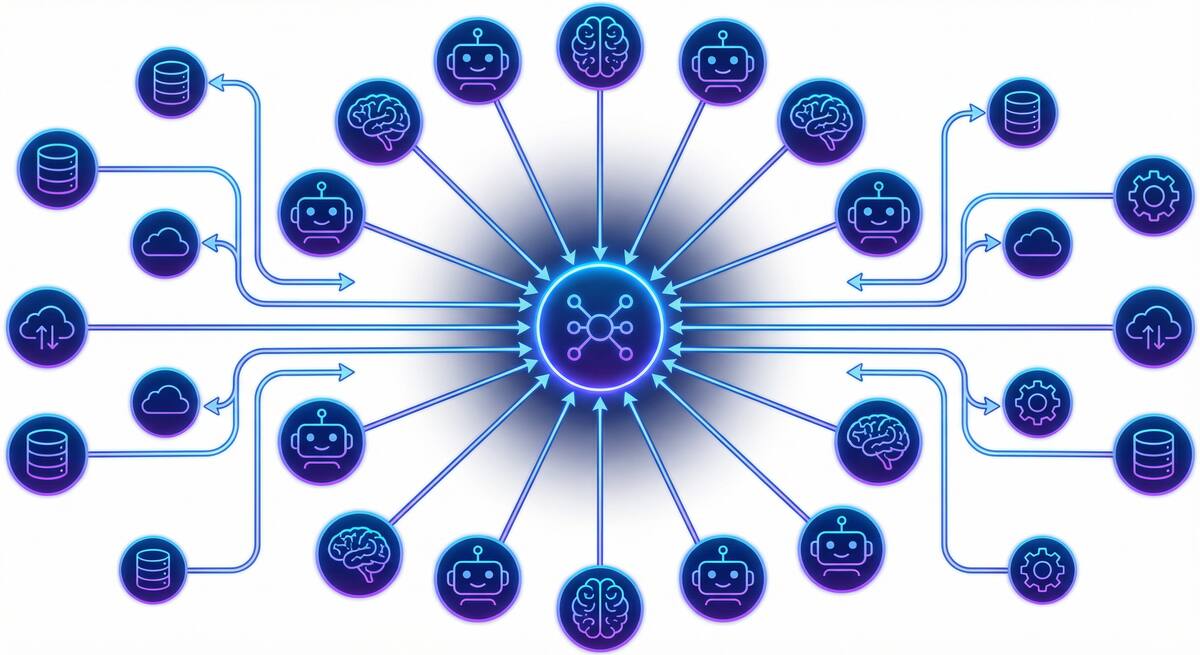
One of the most current product shifts in AI development tooling is Cursor Automations, which turns coding agents into event-driven workflows instead of one-off assistants. The feature can trigger work from commits, Slack messages, timers, and operational events, then route the agent through review, checks, and deployment-style steps with humans only stepping in at key points.
That may sound like just another convenience layer. It is not. It reflects a deeper change in how teams are thinking about AI tooling.
Prompting Is a Local Maximum
The first phase of coding-agent adoption was built around prompting:
- ask the agent to fix a bug
- ask it to refactor a file
- ask it to write a test
That model works, but it has limits. It keeps the agent trapped inside the same interaction pattern as chat. Every task starts from a prompt, every task depends on a human deciding to initiate it, and every useful repetition still requires another manual trigger.
Automations are a different idea. Instead of waiting for a prompt, the workflow itself becomes the trigger.
That changes the role of the developer from “the person who repeatedly asks the tool to do something” to “the person who defines when and why the tool should act.”
Why This Matters
This is where AI starts to move from helper to infrastructure.
If an automation can run on every commit, every pull request, every security signal, or every recurring maintenance window, then the real value is not the single action the agent takes. The value is the policy encoded into the workflow:
- when should this run?
- what context should it use?
- what checks should happen before it continues?
- when should a human be notified or asked to approve?
That is a much more interesting design space than “which model is best at code completion?”
The Risk of Getting This Wrong
The obvious temptation is to hear “automation” and jump straight to more autonomy. That is usually the wrong instinct.
The useful version of automation is not blind autonomy. It is bounded, repeatable delegation. Cursor’s examples around code review, security audits, incident response, and repo hygiene are compelling because they fit that pattern. They are recurring workflows with reasonably clear expectations and strong potential for checkpoints.
The dangerous version is letting event-driven agents act on poorly defined workflows without good review boundaries. The more triggers you add, the more important it becomes to be explicit about permissions, scope, and stop conditions.
In other words, the hard part is no longer just getting agents to do work. It is designing the workflow so the work happens at the right times, in the right order, with the right human involvement.
What Teams Should Take Away
Cursor Automations is a useful signal because it shows where the market is headed:
- away from purely interactive agent use
- toward background, recurring, event-driven execution
- toward systems where policy matters as much as prompting
That is especially relevant for teams that have been disappointed by AI results. If the only way your team uses agents is through ad hoc prompts, you will often get ad hoc value. The stronger outcomes usually come from identifying repeatable workflows and instrumenting them well.
Examples include:
- recurring dependency or hygiene work
- PR-level review or validation
- incident-response preparation
- security checks on sensitive changes
Those are not glamorous use cases, but they are where automation compounds.
Cursor Automations matters because it pushes the conversation beyond “What can an agent do when asked?” and toward the more durable question: What work should happen automatically because we trust the workflow around it?