Process & Methodology
Agile methodologies, Scrum implementation, project management, and development process optimization.
- Home /
- Categories /
- Process & Methodology
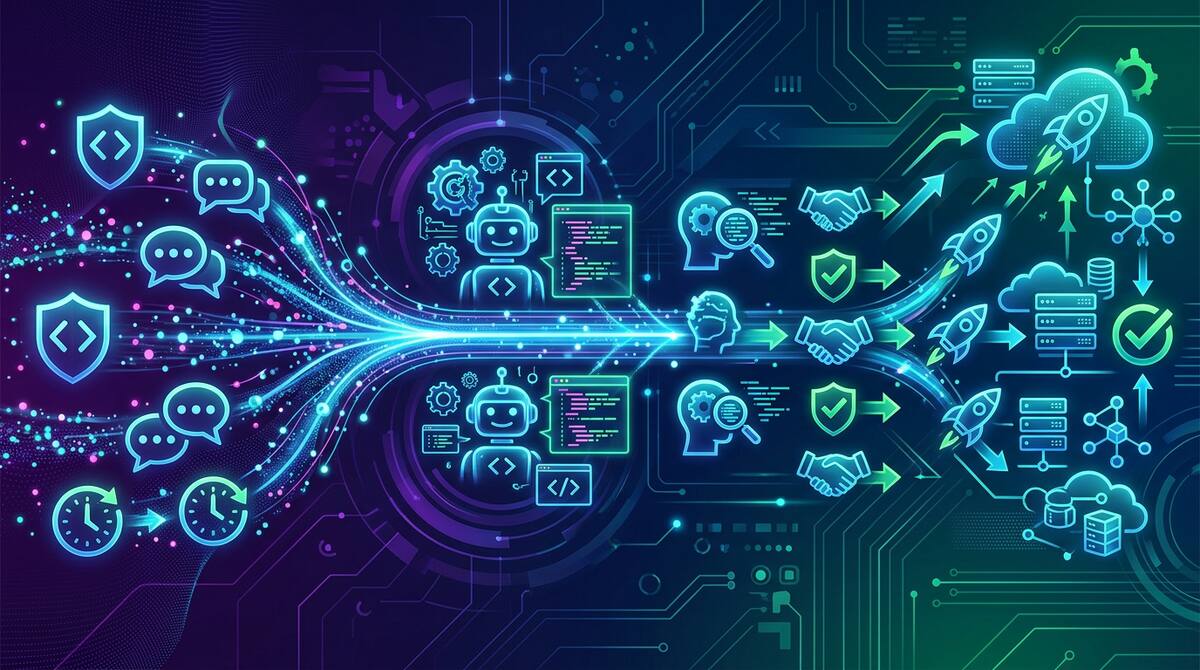
Cursor Automations and the Shift from Prompting to Policy
One of the most current product shifts in AI development tooling is Cursor Automations, which turns coding agents into event-driven workflows instead of one-off assistants. The feature can trigger work from commits, Slack messages, timers, and operational events, then route the agent through review, checks, and deployment-style steps with humans only stepping in at key points.
That may sound like just another convenience layer. It is not. It reflects a deeper change in how teams are thinking about AI tooling.

OpenAI Symphony and the New Bottleneck: Orchestrating Agents Well
OpenAI’s new Symphony project is one of the most revealing open-source releases in the current coding-agent cycle.
At the surface level, it is an orchestration framework for autonomous software development runs. It connects to issue trackers, spins up isolated implementation runs, coordinates agents, collects proof of work, and helps land changes once they are verified. It is built in Elixir on the BEAM runtime and is clearly optimized for concurrency and fault tolerance.
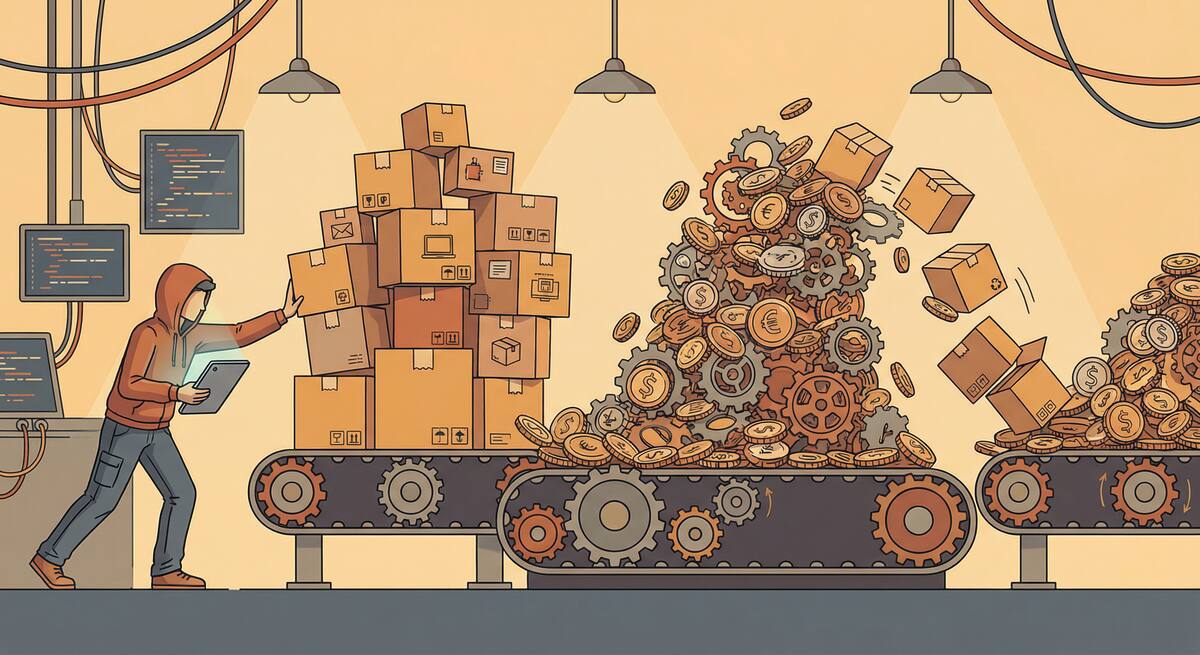
The Great Toil Shift: AI Didn't Remove Your Drudge Work, It Moved It
One of the clearest promises of AI coding tools was relief from developer toil: the repetitive, low-value work—debugging boilerplate, writing tests for obvious code, fixing the same style violations—that keeps engineers from doing the interesting parts of their jobs. The premise was simple: AI does the tedious parts, humans do the creative parts.
The data from 2026 tells a more nuanced story. According to Sonar’s analysis and Opsera’s 2026 AI Coding Impact Benchmark Report, the amount of time developers spend on toil hasn’t decreased meaningfully. It’s shifted. High AI users spend roughly the same 23–25% of their workweek on drudge work as low AI users—they’ve just changed what they’re doing with that time.

Getting Your Team Unstuck: A Manager's Guide to AI Adoption
You’ve got AI tools in place. You’ve encouraged the team to use them. But the feedback is lukewarm or negative: “We tried it.” “It’s not really faster.” “We don’t see the benefit.” As a manager, you’re stuck between leadership expecting ROI and a team that doesn’t feel it.
The way out isn’t to push harder or to give up. It’s to change how you’re leading the adoption: create safety to experiment, narrow the focus so wins are visible, and align incentives so that “seeing benefits” is something the team can actually achieve. This guide is for engineering managers whose teams are struggling to see any performance benefits from AI in their software engineering workflows—and who want to turn that around.
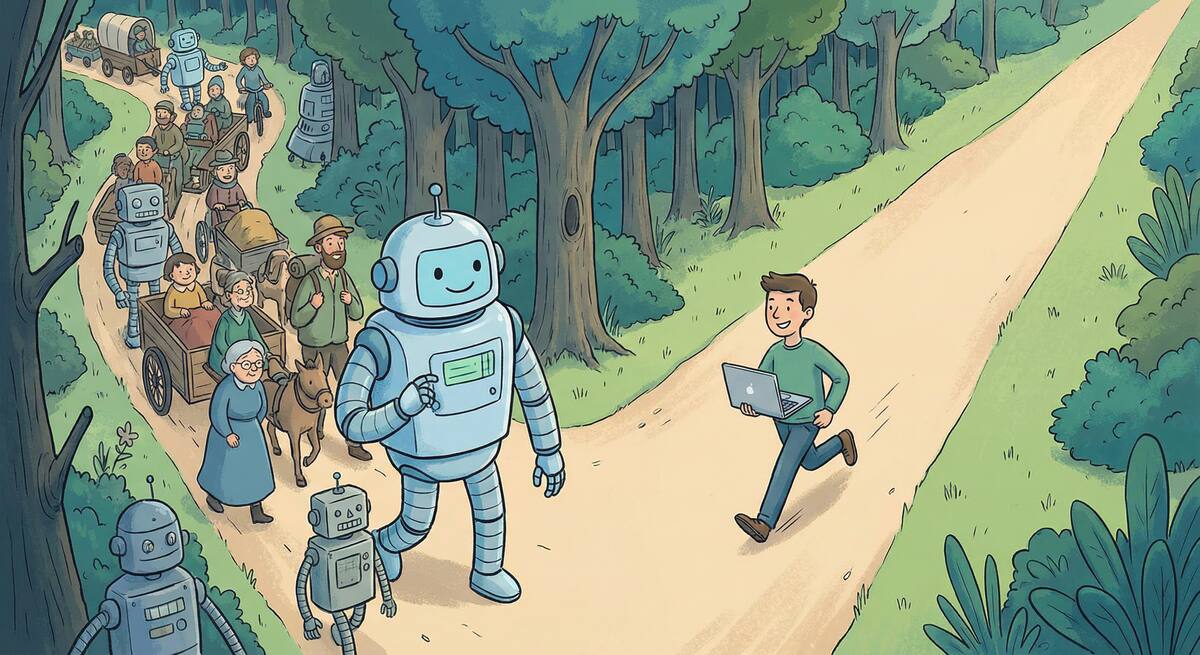
When AI Slows You Down: Picking the Right Tasks
One of the main reasons teams don’t see performance benefits from AI is simple: they’re using it for the wrong things.
AI can make you faster on some tasks and slower on others. If the mix is wrong—if people lean on AI for complex design, deep debugging, and security-sensitive code while underusing it for docs, tests, and boilerplate—then overall you feel no gain or even a net loss. The tool gets blamed, but the issue is task fit.
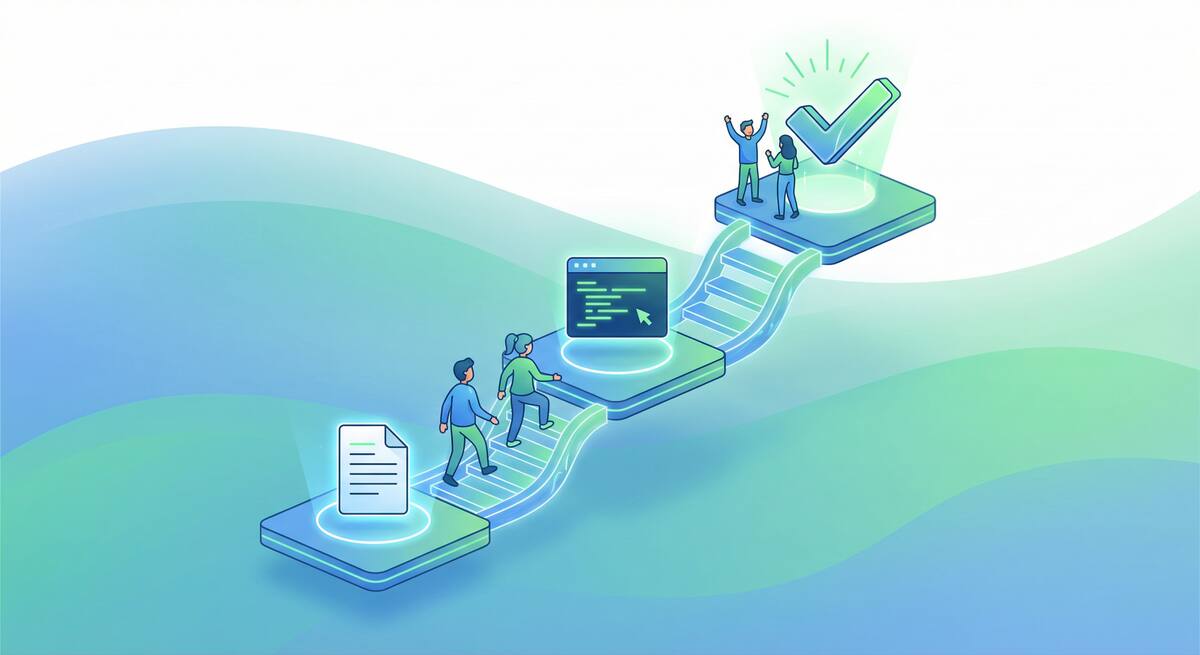
Start Here: Three AI Workflows That Show Results in a Week
When a team has tried AI and concluded “we don’t see the benefit,” the worst move is to push harder on the same, vague usage. A better move is to pick a few concrete workflows where AI reliably helps, run them for a short time, and measure the outcome. That gives the team something tangible to point to—“this is where AI helped us.”
Here are three workflows that tend to show results within a week and are a good place to start for teams struggling to see performance benefits from AI in their software engineering workflows.
Measuring What Matters: Getting Real About AI ROI
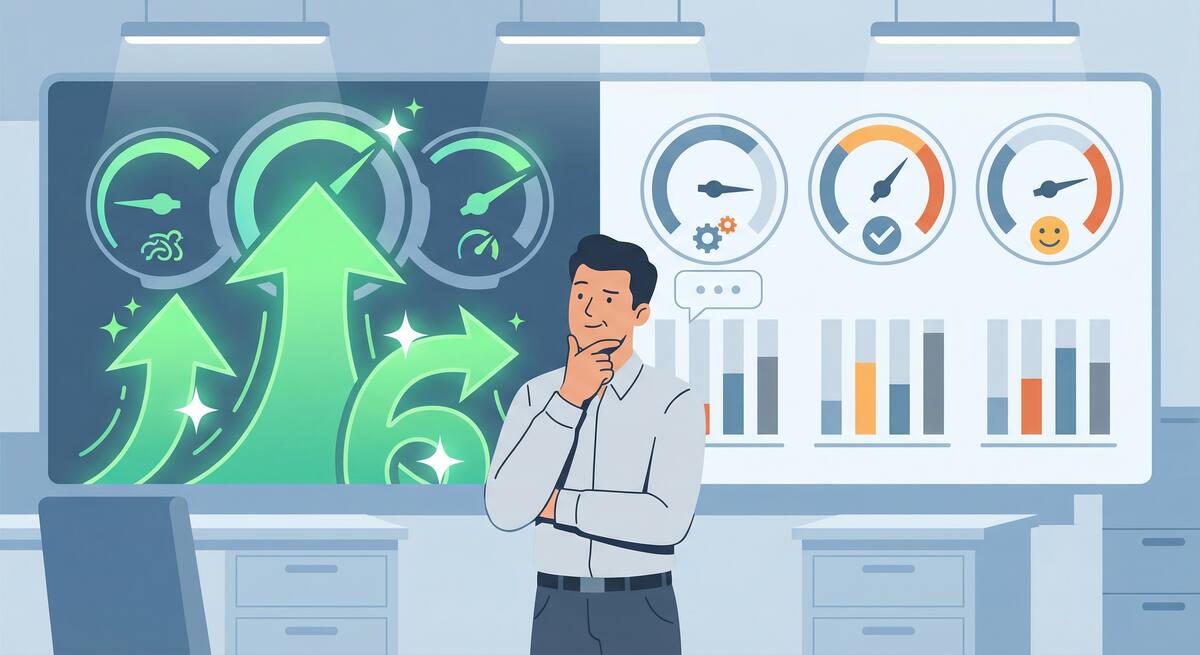
When a team says they don’t see performance benefits from AI, the first question to ask isn’t “Are you using it enough?” It’s “How are you measuring benefit?”
A lot of organizations track adoption (who has a license, how often they use the tool) or activity (suggestions accepted, chats per day). Those numbers go up and everyone assumes AI is working. But cycle time hasn’t improved, quality hasn’t improved, and the team doesn’t feel faster. So you get a disconnect: the dashboard says success, the team says “we don’t see it.”

The Documentation Problem AI Actually Solves
I’ve spent the past several weeks writing critically about AI tools—the productivity paradox, comprehension debt, burnout risks, vibe coding dangers. Those concerns are real and important.
But I want to end this series on a genuinely positive note, because there’s one area where AI tools deliver clear, consistent, unambiguous value for engineering teams: documentation.
Documentation is the unloved obligation of software development. Everyone agrees it’s important. Nobody wants to write it. The result is that most codebases are woefully underdocumented, and the documentation that does exist is often outdated, incomplete, or wrong.

The Case Against Daily Standups in 2026
I’ve been thinking about daily standups lately—specifically, whether they still make sense for engineering teams in 2026.
This isn’t a “standups are terrible” rant. I’ve run teams with effective standups and teams where standups were pure theater. The question isn’t whether standups are universally good or bad; it’s whether the standard daily standup format still fits how engineering teams work today.
My conclusion: for many teams, it doesn’t. Here’s why.

AI Code Review: The Hidden Bottleneck Nobody's Talking About
Here’s a problem that’s creeping up on engineering teams: AI tools are dramatically increasing the volume of code being produced, but they haven’t done anything to increase code review capacity. The bottleneck has shifted.
Where teams once spent the bulk of their time writing code, they now spend increasing time reviewing code—much of it AI-generated. And reviewing AI-generated code is harder than reviewing human-written code in ways that aren’t immediately obvious.

The 32% Problem: Why Most Engineering Orgs Are Flying Blind on AI Governance
Here’s a statistic that should concern every engineering leader: only 32% of organizations have formal AI governance policies for their engineering teams. Another 41% rely on informal guidelines, and 27% have no governance at all.
Meanwhile, 91% of engineering leaders report that AI has improved developer velocity and code quality. But here’s the kicker: only 25% of them have actual data to support that claim.
We’re flying blind. Most organizations have adopted AI tools without the instrumentation to know whether they’re helping or hurting, and without the policies to manage the risks they introduce.
AI Agents and Google Slides: When Promise Meets Reality
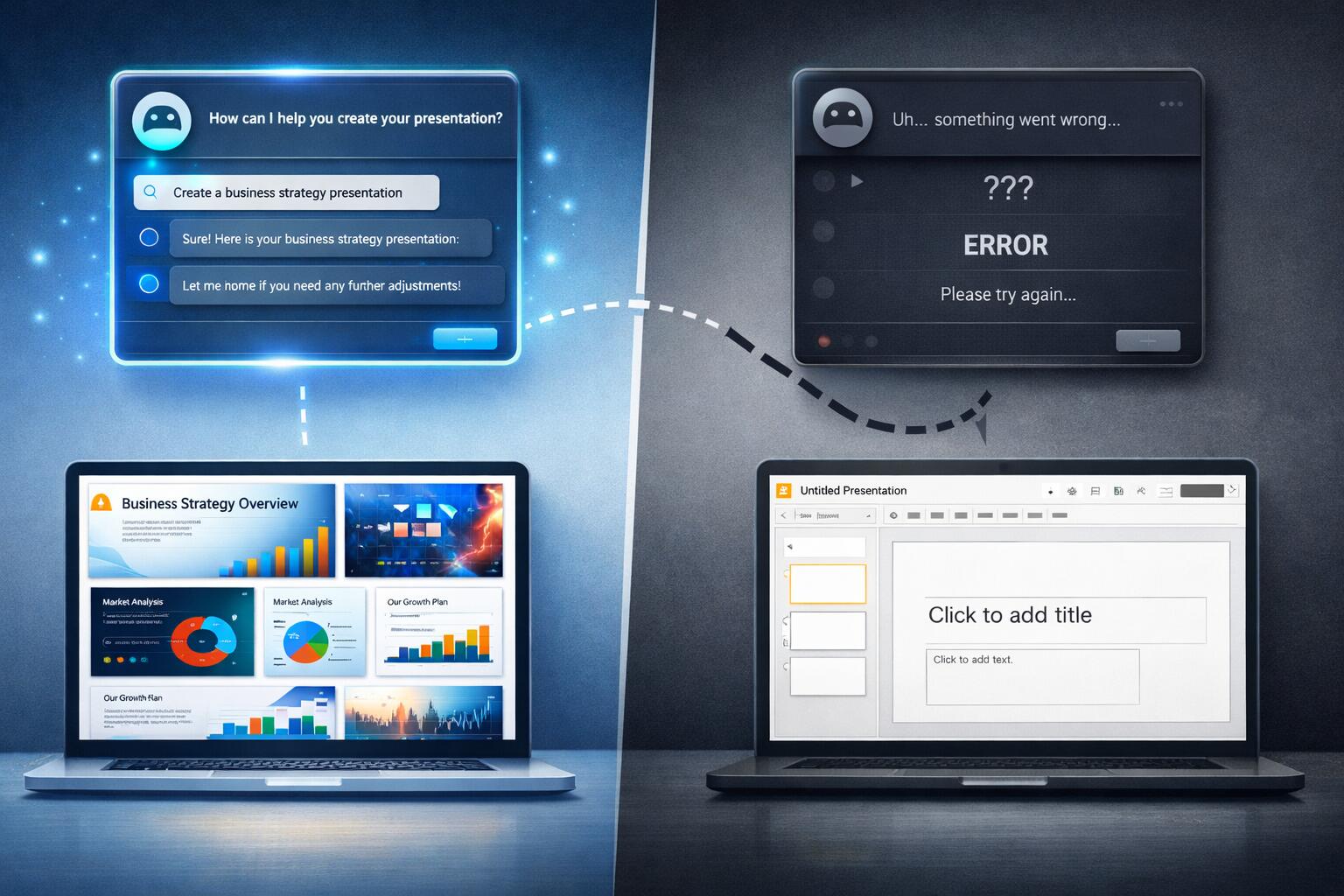
I’ve been experimenting with AI agents to help create Google Slides presentations, and I’ve discovered something interesting: they’re great at the planning and ideation phase, but they completely fall apart when it comes to actually delivering on their promises.
The Promising Start
I’ve had genuinely great success using ChatGPT to help with presentation planning. I’ll start a conversation about my presentation topic, share the core material I want to cover, and ChatGPT does an excellent job of:
When AI Assistants Fail: The Meeting Scheduling Reality Check
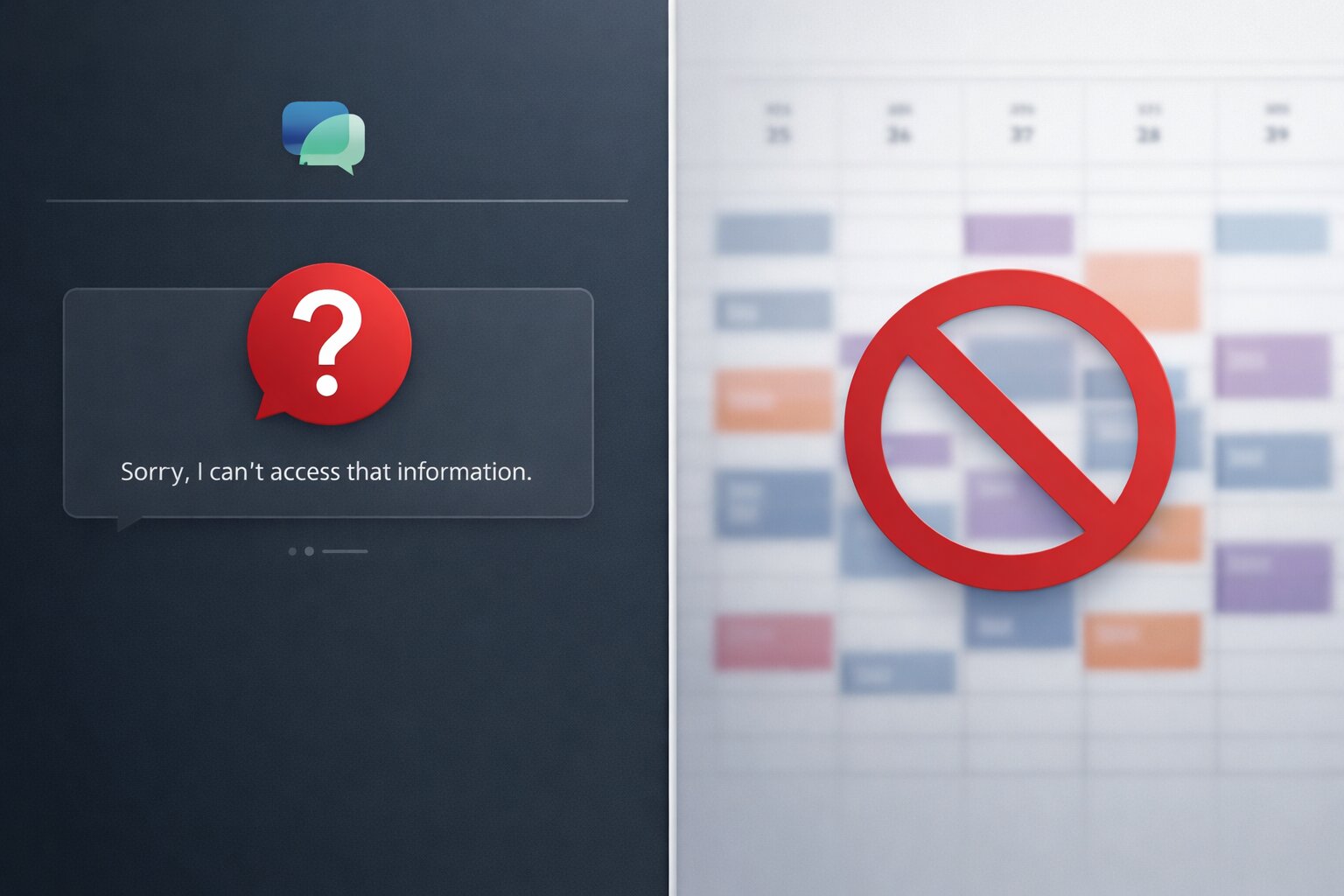
I recently tried to use AI assistants to solve what should be a straightforward problem: scheduling a meeting with three other people at my office. We’re all Google Workspace users, so I figured this would be a perfect use case for AI—especially given all the hype about AI assistants being able to handle calendar management and scheduling.
Spoiler alert: both ChatGPT and Gemini failed spectacularly.
The ChatGPT Experience
I started with ChatGPT, thinking it would be able to help coordinate schedules. My request was simple: find a time that works for me and three colleagues for a meeting.
The Scrum Daily Standup
One of the hallmarks of the Scrum method of agile software development is a daily meeting, or “standup”. The purpose of the Scrum Daily Standup is to make sure the Scrum team is aware of what tasks the other members of the team are working on as well as asking for and offering assistance to other members of the team as needed. The Scrum Daily Standup is NOT a meeting to gather the project’s status. In addition, this is not a planning meeting, so the discussion of implementation details is outside the scope of the meeting, and should be handled in a separate meeting, or after the conclusion of the Daily Standup. The is typically characterized by being 15 minute long at its longest, and everyone stands during the meeting. Each speaking member of the meeting will typically answer these three questions:
SCRUM Sprint Planning Gone Wrong
One of the things that is a hallmark of the SCRUM method of Agile development is that you have a unit of time during which you commit to accomplishing some amount of work before that unit of time has elapsed. In order to commit to how much work should be accomplished during the “sprint”, all members of the team meet at the beginning of each sprint for a sprint planning meeting.
5 Ways to Do SCRUM Poorly
As a developer that frequently leads projects and operates in various leadership roles depending on the current project lineup, the Agile development methodology is a welcome change from the Waterfall and Software Development Life Cycle approaches to software development. SCRUM is the specific type of Agile development that I have participated in at a few different workplaces, and it seems to work well if implemented properly. However, there are several ways to make a SCRUM development team perform more poorly than it ought. The top 5 I have seen include:
Categories
Tags
- 100pounds
- 2020
- Acp
- Adblock-Plus
- Adoption
- Agentic
- Agents
- Agile
- Ai
- Ai-Agents
- Amazon
- Apache
- Apple
- Architecture
- Audit
- Authorize-Net
- Automation
- Azure
- Benchmarks
- Bing
- Bingbot
- Blog
- Book-Reviews
- Books
- Burnout
- Business-Tools
- Cache
- Career
- Chatgpt
- Chrome
- Cicd
- Claude
- Cloudflare
- Code-Quality
- Code-Review
- Codex
- Coding
- Coding-Agents
- Compass
- Conversion
- Copilot
- Css
- Culture
- Cursor
- Cve
- Deployment
- Design-Patterns
- Developer-Experience
- Developer-Tools
- Developer-Velocity
- Development
- Disqus
- Docker
- Documentation
- Enterprise
- Fine-Tuning
- Firebase
- Firefox
- Full-Stack
- Future-of-Work
- Gemini
- Genesis-Framework
- Getting-Started
- Ghost-Tag
- Github
- Github-Copilot
- Githubpages
- Google-Slides
- Google-Workspace
- Governance
- Helper
- Hiring
- How-Not-To
- How-To
- Html
- Hugo
- Ide
- Infrastructure
- Integration
- Internet-Explorer
- Interviews
- Iphone-6
- Javascript
- Jekyll
- Jetbrains
- Jquery
- Junior-Developers
- Knowledge-Management
- Laravel
- Leadership
- Legal
- Lessons-Learned
- Llms
- Local-First
- MacOS
- Magento
- Magento 2
- Magento2
- Management
- Mcp
- Meetings
- Mental-Health
- Mentorship
- Metr
- Metrics
- Microsoft
- Models
- Moltbot
- Multi-Agent
- Mysql
- Netlify
- Nginx
- Nist
- Nodejs
- Open-Source
- Openai
- Openclaw
- Orchestration
- OSX
- Parallelization
- Performance
- Personal
- Php
- Policy
- Presentations
- Process
- Product-Development
- Productivity
- Programming
- Prompt-Injection
- Protocols
- Pull-Requests
- Python
- Quality
- Rant
- Remote-Work
- Replit
- Research
- Responsive-Web-Design
- Retrospective
- Roi
- Safari
- Sales
- Scrum
- Security
- Senior-Engineers
- Series
- Sitecatalyst
- Sota
- Sql
- Sql-Server
- Standards
- Tasks
- Teams
- Technical-Debt
- Testing
- Tier-Pricing
- Tips
- Tmobile
- Tools
- Trust
- Unittest
- Ux
- Validation
- Varnish
- Vercel
- Verification
- Vibe-Coding
- Visual-Studio
- Vs-Code
- Web-Development
- Windows-7
- Windows-Vista
- Woocommerce
- Wordpress
- Workflow
- Workflows
- Xml