AI Agents and Google Slides: When Promise Meets Reality
- 4 minutes - Jan 12, 2026
- #ai#productivity#tools#chatgpt#gemini#google-slides#presentations
I’ve been experimenting with AI agents to help create Google Slides presentations, and I’ve discovered something interesting: they’re great at the planning and ideation phase, but they completely fall apart when it comes to actually delivering on their promises.
The Promising Start
I’ve had genuinely great success using ChatGPT to help with presentation planning. I’ll start a conversation about my presentation topic, share the core material I want to cover, and ChatGPT does an excellent job of:
- Synthesizing the information into a coherent narrative
- Creating a tailored outline that fits my specific audience
- Generating detailed speaker notes that guide me through what to cover on each slide
- Offering creative suggestions for images that would help illustrate key points
- Providing styling recommendations to make the slides visually appealing
This part of the workflow is genuinely helpful. ChatGPT understands context, asks clarifying questions when needed, and produces output that’s actually useful for building a presentation. It’s like having a thoughtful collaborator who helps you think through structure and messaging.
The Disappointing Reality
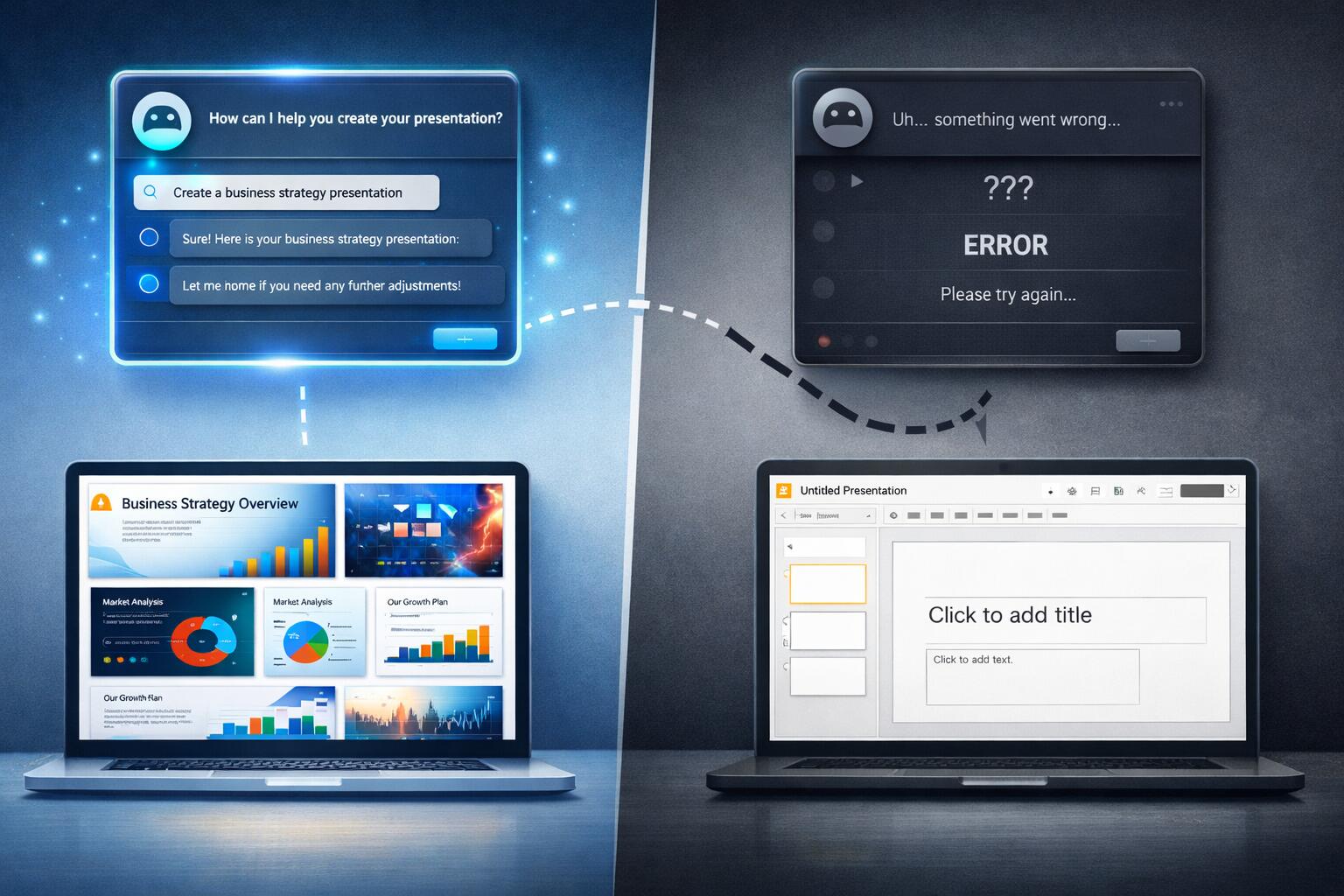
But here’s where things break down: when I ask ChatGPT to actually generate the Google Slides presentation for me, the experience completely changes.
Instead of taking action, ChatGPT starts asking a barrage of clarifying questions. What format do I want? What style? What colors? How many slides? Should it include this? Should it include that? The questions keep coming, but nothing actually gets created.
After several rounds of back-and-forth, I finally get the response I should have received upfront: ChatGPT can’t actually generate Google Slides presentations. It can generate images if I prompt it to, but I’m left to do all the actual work of creating the slides, adding the content, formatting everything, and putting it all together.
This is frustrating not because the tool can’t do something—I understand that AI has limitations. The frustration comes from the fact that ChatGPT promised it could do this, engaged me in a lengthy conversation about it, and only after wasting my time did it admit it couldn’t deliver.
The Gemini Surprise
You’d think that Google’s Gemini would fare better, right? After all, it’s Google’s own AI assistant, and it’s tightly integrated into Google Workspace. If any AI should be able to generate Google Slides, it should be Gemini.
Wrong again.
I ran into almost the exact same roadblocks with Gemini. Despite its integration with Google Slides, it couldn’t actually generate presentations. It had the same pattern of asking clarifying questions without taking action, and it eventually admitted it couldn’t do what it had initially suggested it could.
The integration didn’t give Gemini any meaningful advantage. It was just as limited as ChatGPT, despite being built by the company that makes the tool I’m trying to use.
What This Teaches Us
This experience highlights a broader issue with AI assistants: there’s often a significant gap between what they suggest they can do and what they actually can do. The planning and ideation phase works well because it’s about generating text and ideas. But when it comes to actually creating structured content in a specific format (like a Google Slides presentation), the tools fall short.
The disappointment isn’t just about functionality—it’s about the user experience. If an AI assistant can’t do something, it should say so upfront rather than engaging in a lengthy conversation that leads nowhere. The current approach feels like being led down a path with no destination.
The Silver Lining
Despite the disappointment, I still find value in using AI for presentation planning. The outline generation and speaker notes are genuinely helpful, and the image generation capabilities do save time. But I’ve learned to set my expectations appropriately: AI can help me plan presentations, but I still need to do the actual work of creating them.
Maybe this will change as AI capabilities evolve and integrations improve. But for now, when it comes to generating Google Slides presentations, AI assistants remain more helpful for planning than for execution.